
Everyone in the loop.
Loop is a private workspace for your team and the AI agent that works for every one of you: messages, the calls your agent answers, your leads and jobs, notes, files and passwords. On the web and on iPhone.
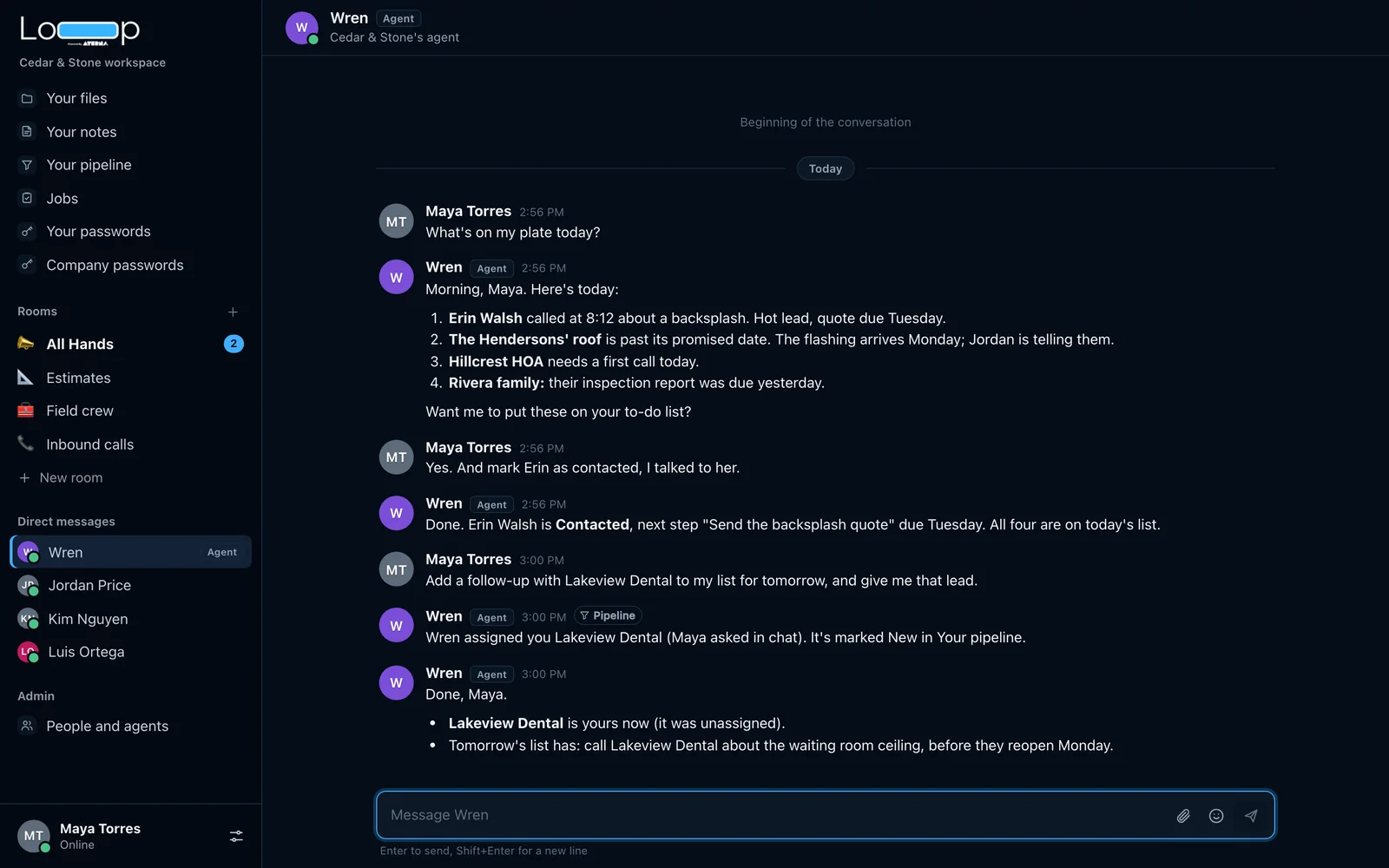
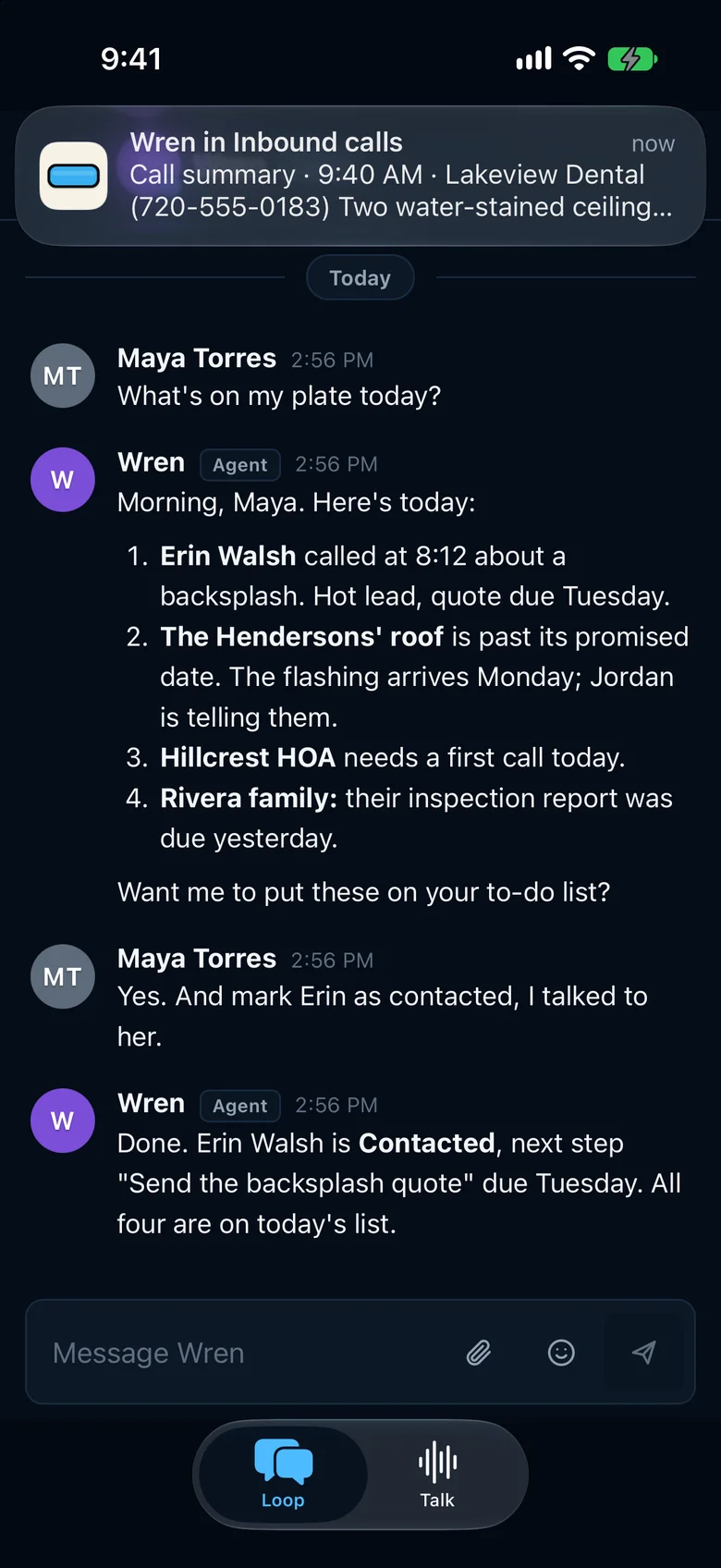
Forty seconds in a demo workspace. Maya, the owner, tells Wren, the company’s agent, that she sent a customer the quote. Wren moves the lead to Proposal and puts the tile samples on tomorrow’s list, and both changes are there when she looks.
Cedar & Stone is a made-up company. Every name, phone number and password on this page is invented.
One agent, working for the whole team.
Ask it anywhere
Message the agent directly, or mention it in a room. It answers in the thread where you asked.
With your access, not more
It acts for the person who asked. It changes what that person can change, and it never shows them what they can’t see.
Calls become work
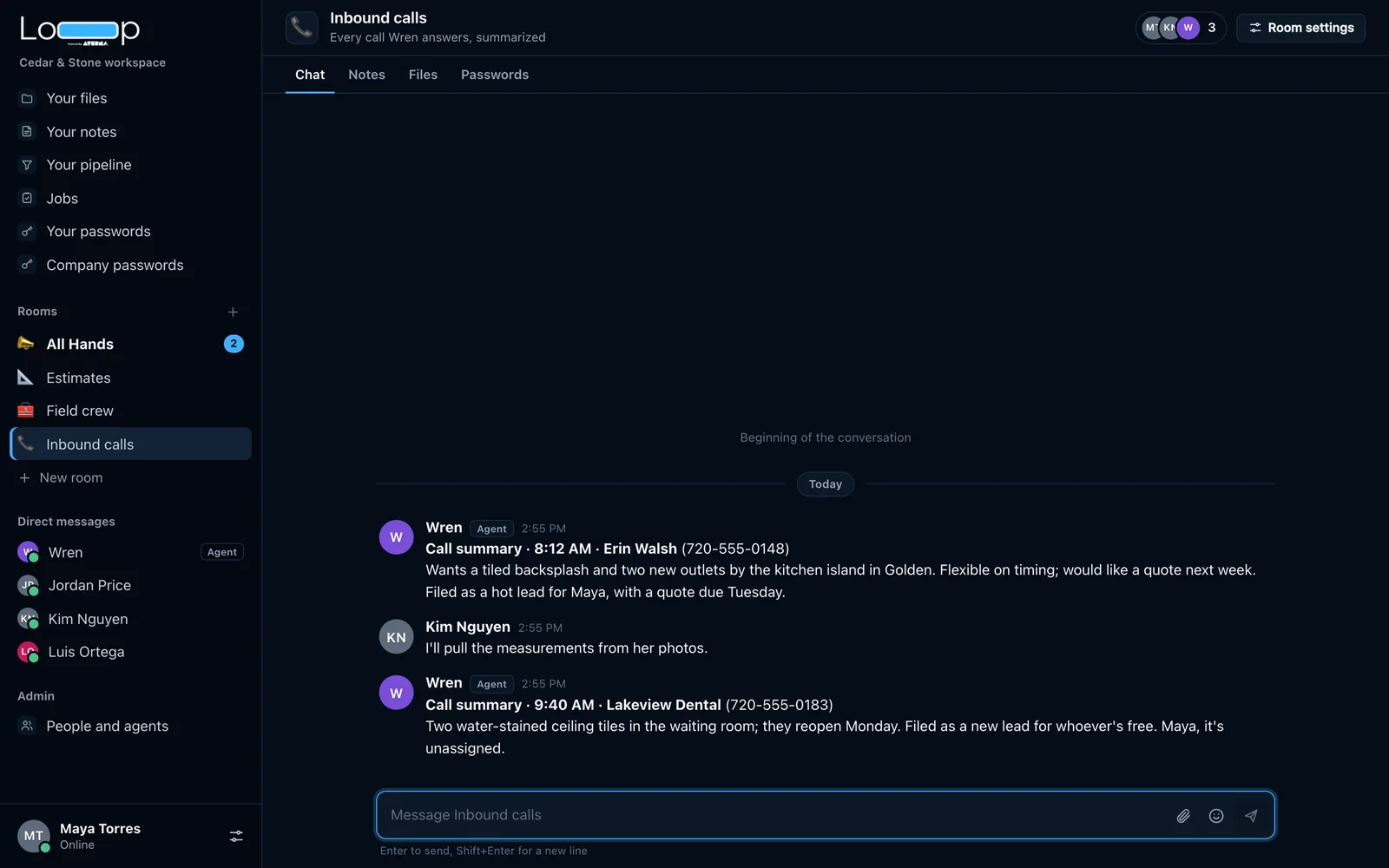
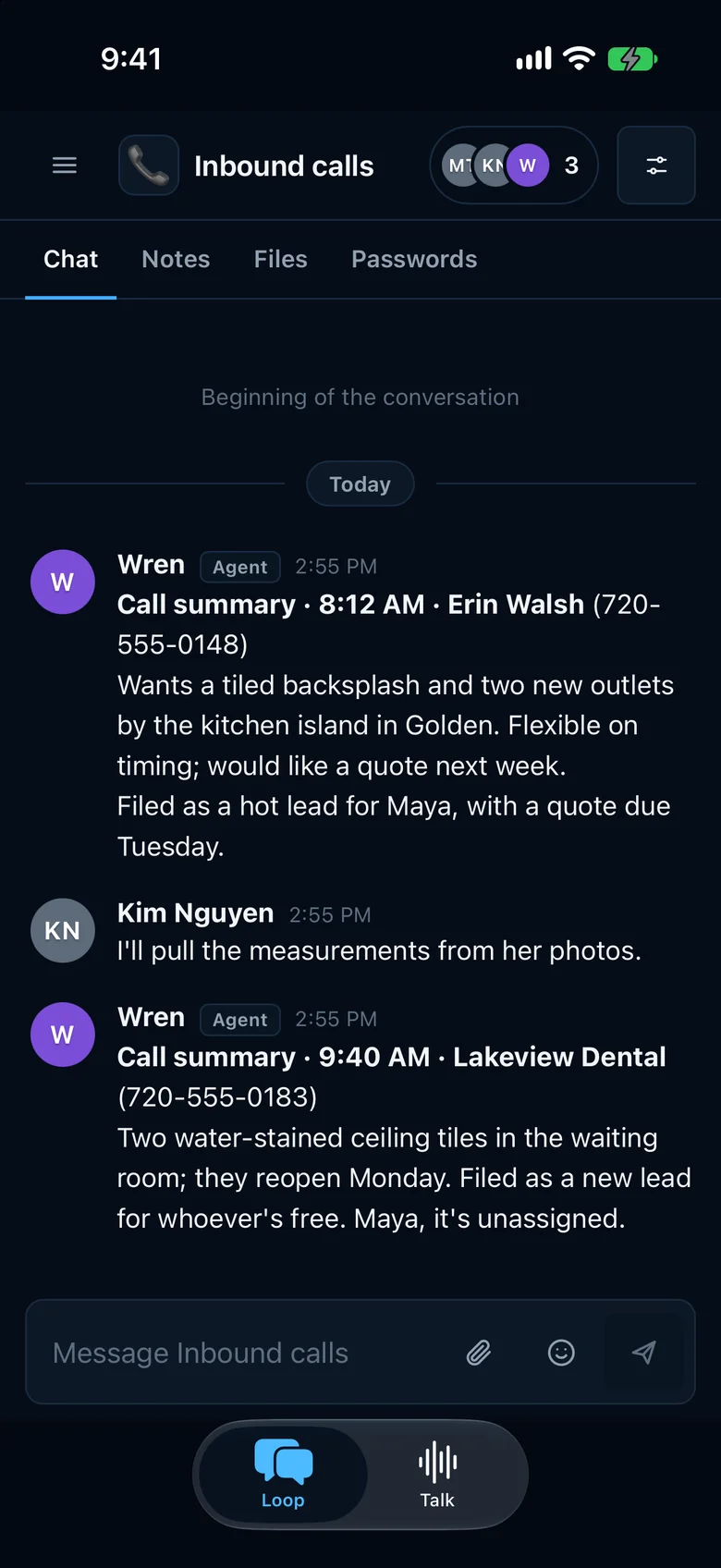
When the agent answers the phone, the summary lands in your calls room. A real caller becomes a lead with the next step set.
People make the big calls
Marking a deal won or lost goes back to the person it belongs to as a one-tap request. The agent asks; it doesn’t decide.
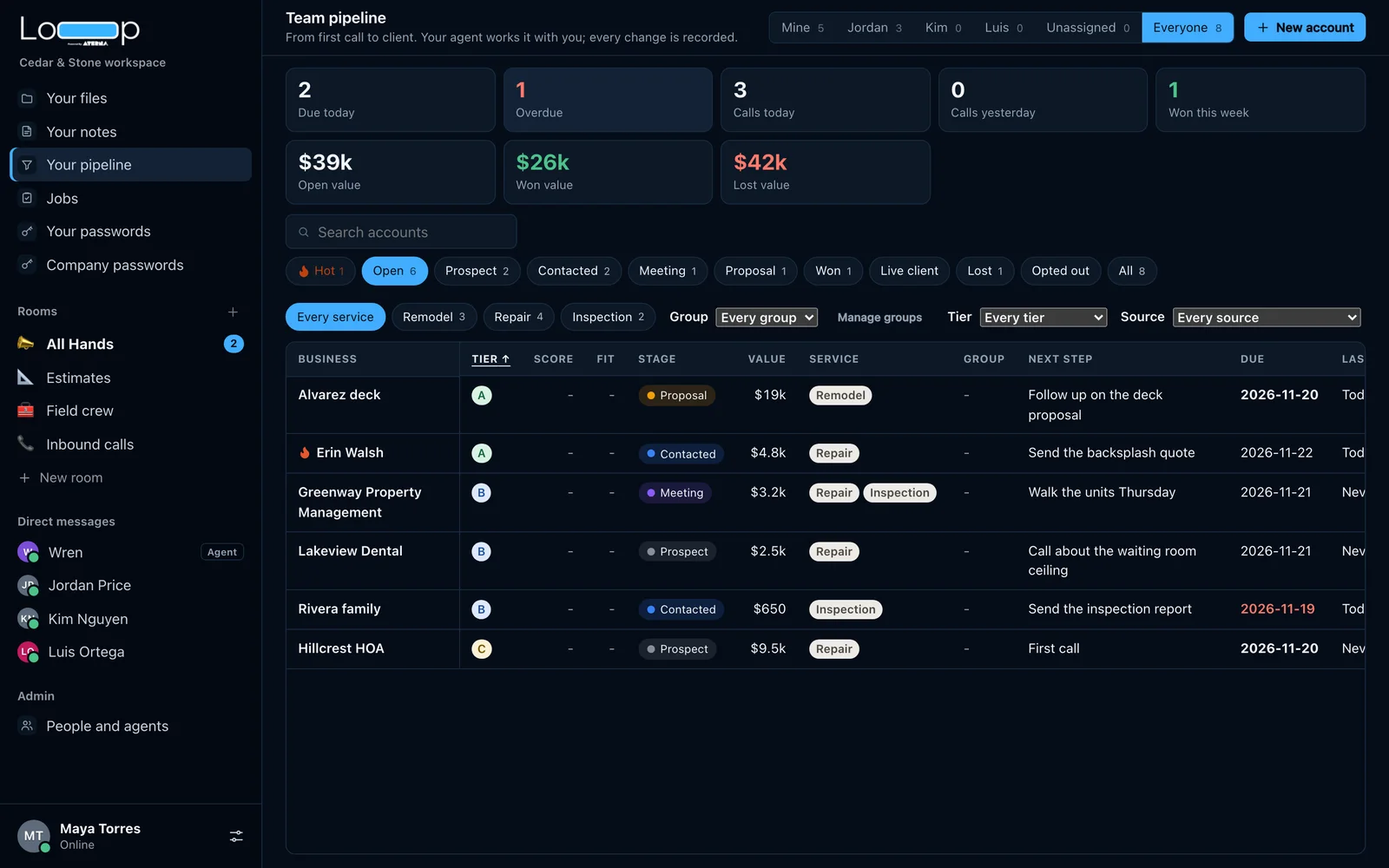
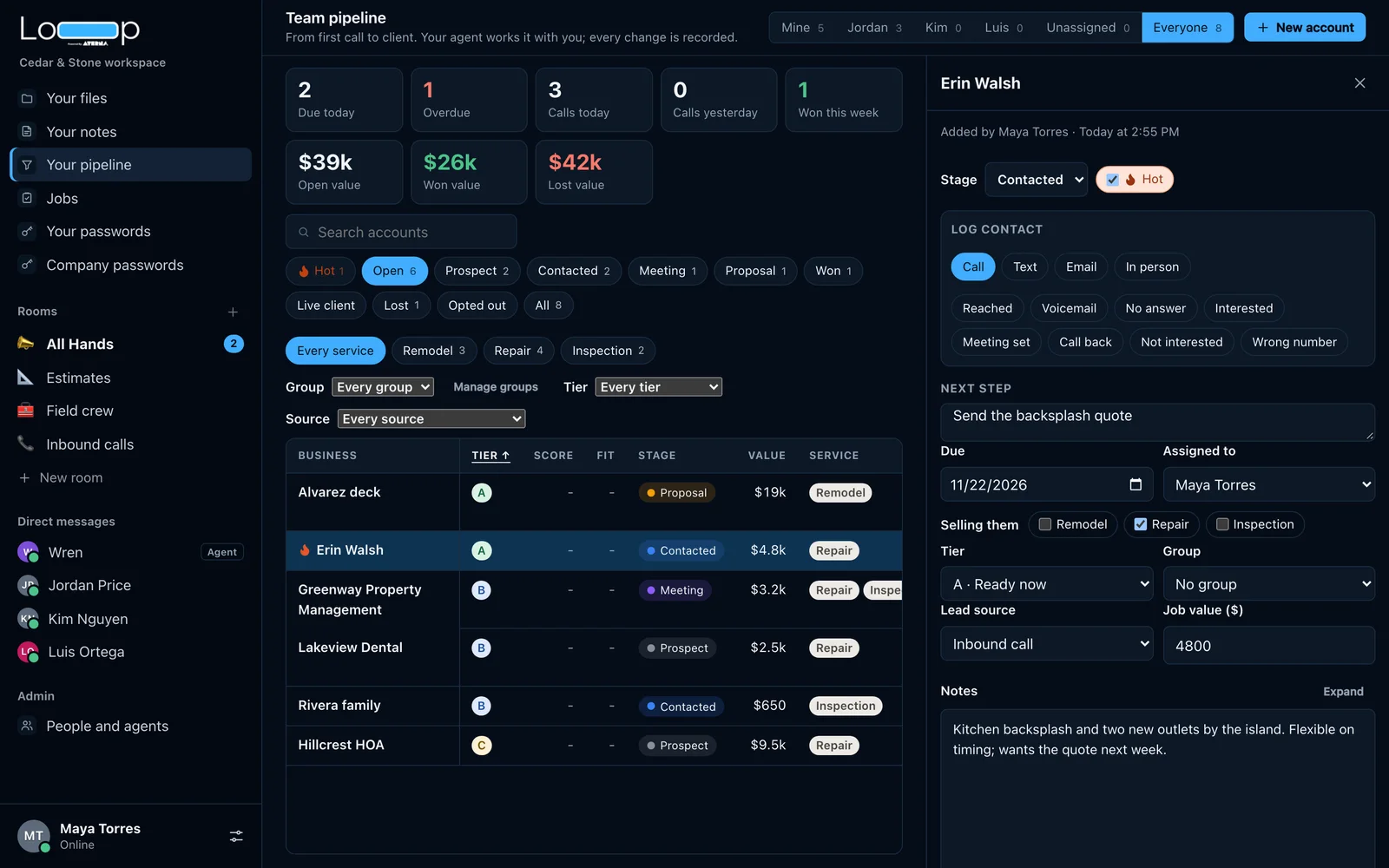
A pipeline your agent keeps current.
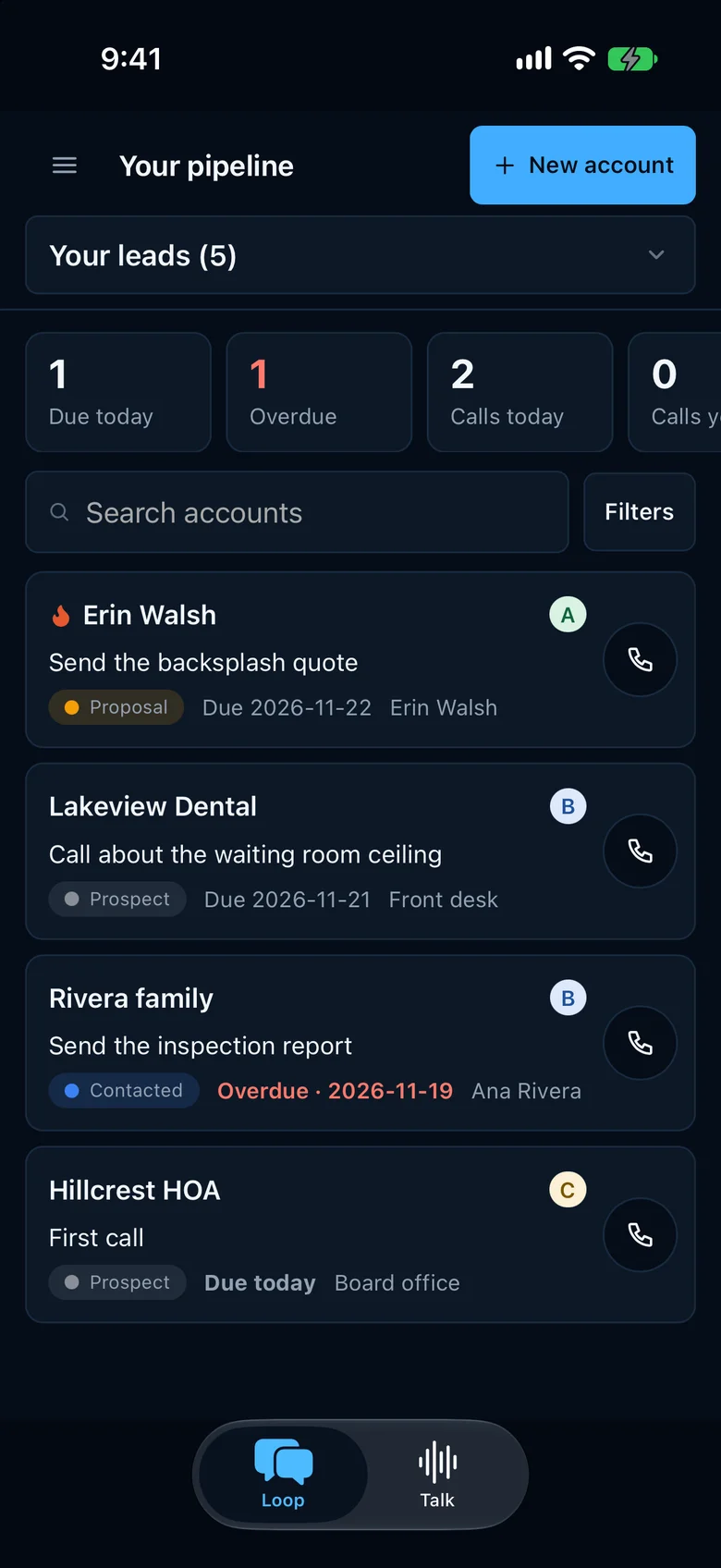
Every lead from first call to signed job: the stage, what it’s worth, the next step and its due date, who it’s assigned to, and why a deal was lost. The agent logs calls, moves stages and reassigns leads when you ask, and each change is recorded with who made it.
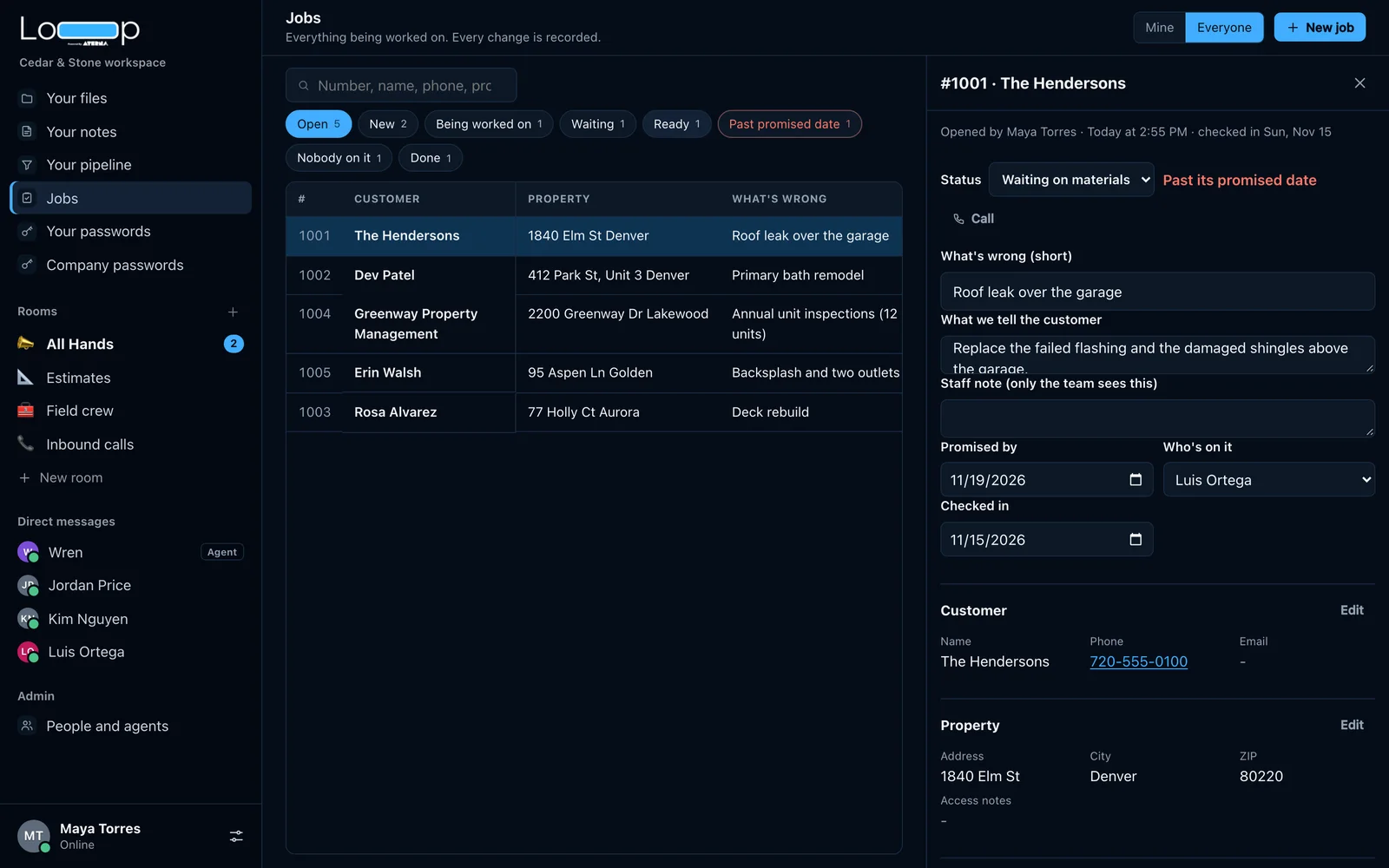
Jobs, from check-in to done.
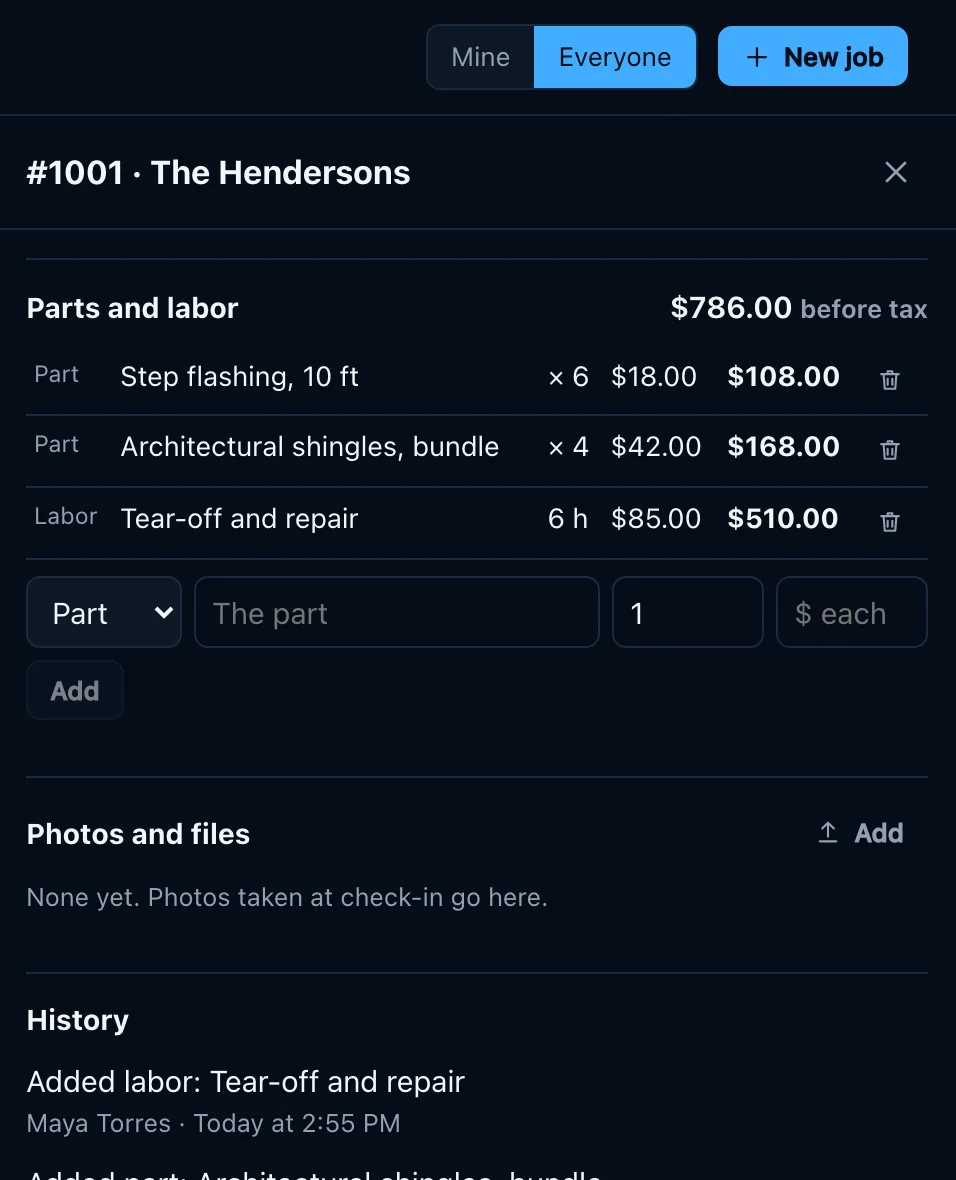
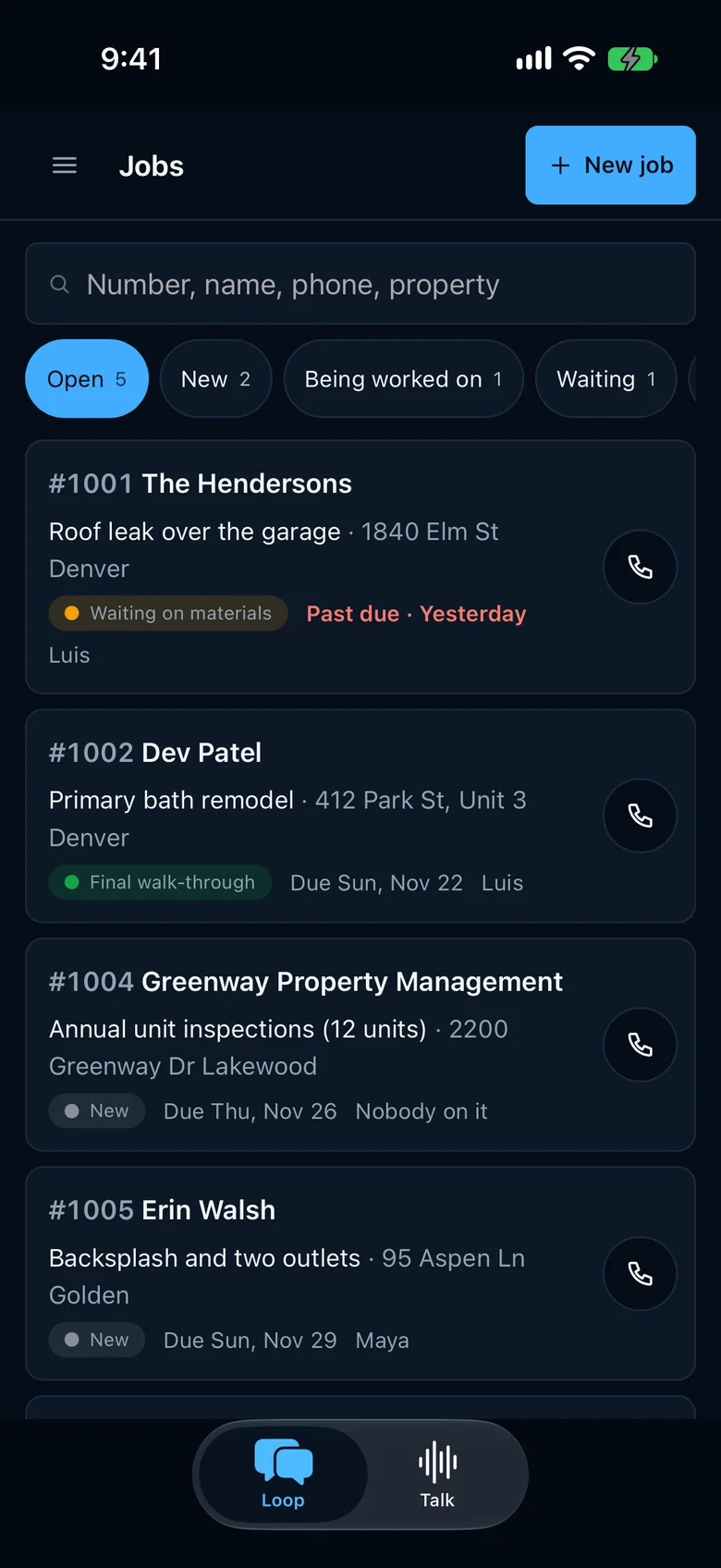
Each job holds the customer, the property or the bike, what’s wrong, who’s on it, the promised date, parts and labor, photos, and a history of every change. Statuses use each business’s own words. Jobs is the newest part of Loop.
Notes, files and passwords, next to the conversation.
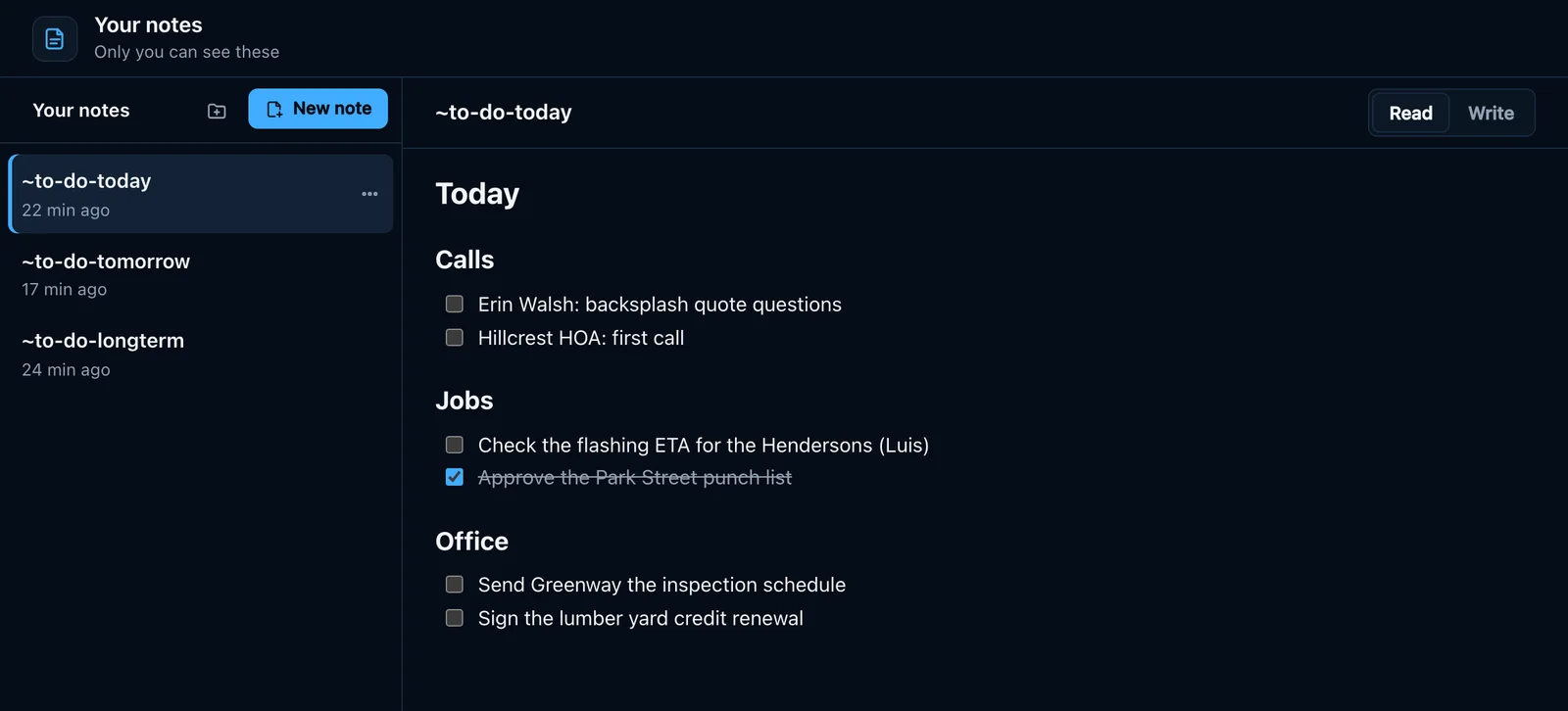
To-do lists
Each person keeps lists for today, tomorrow and later. Ask the agent to add something and it lands on the right list.
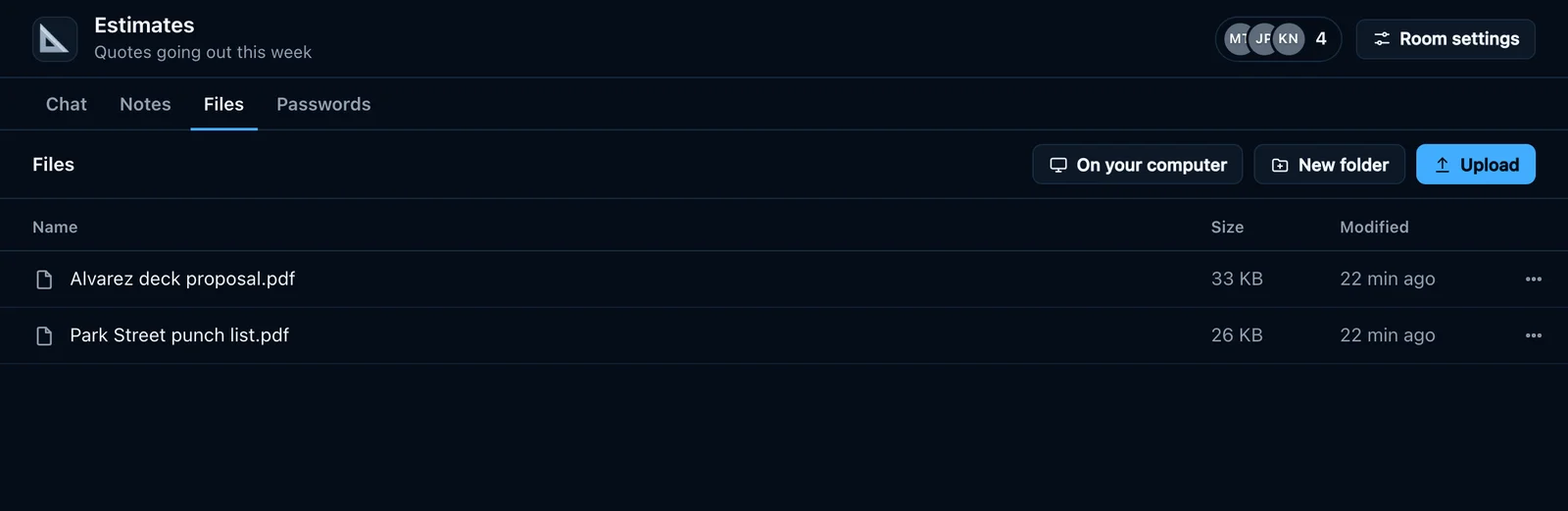
Files
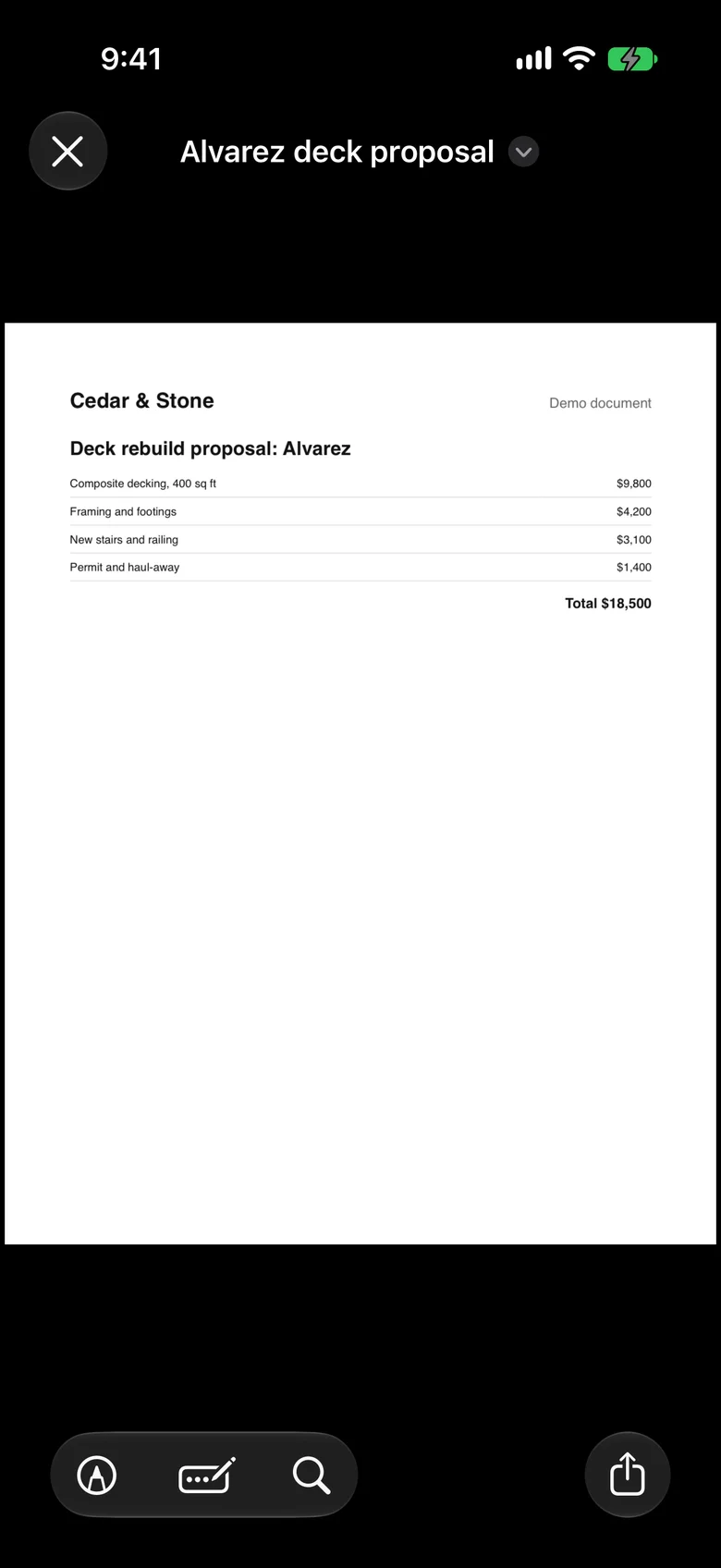
Every room has its own files, so the proposal sits next to the conversation about it. PDFs open in place.
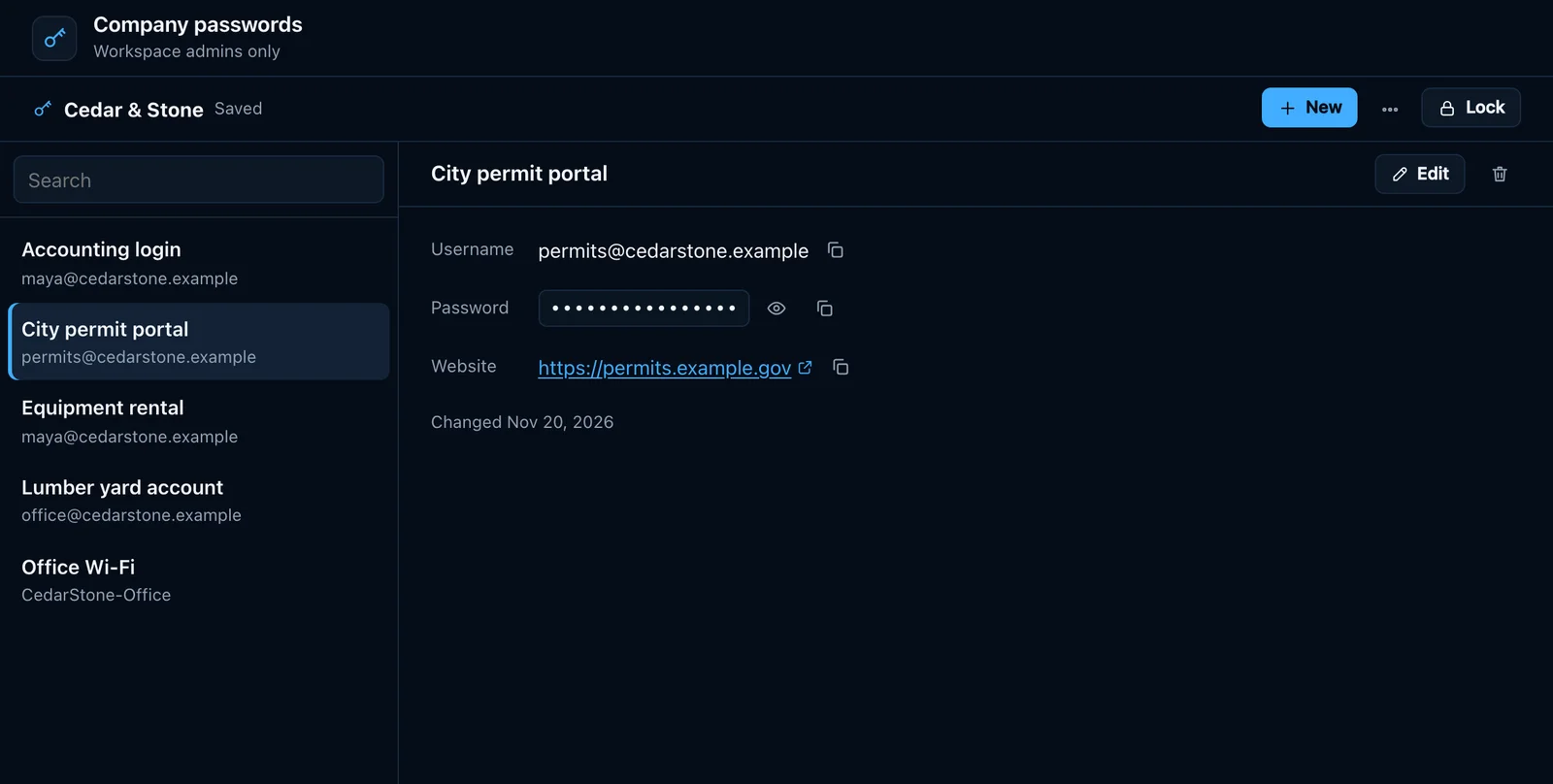
Passwords
Company, room and personal vaults, unlocked in your browser with their own password. Agents can’t open them.
The same workspace on your iPhone.
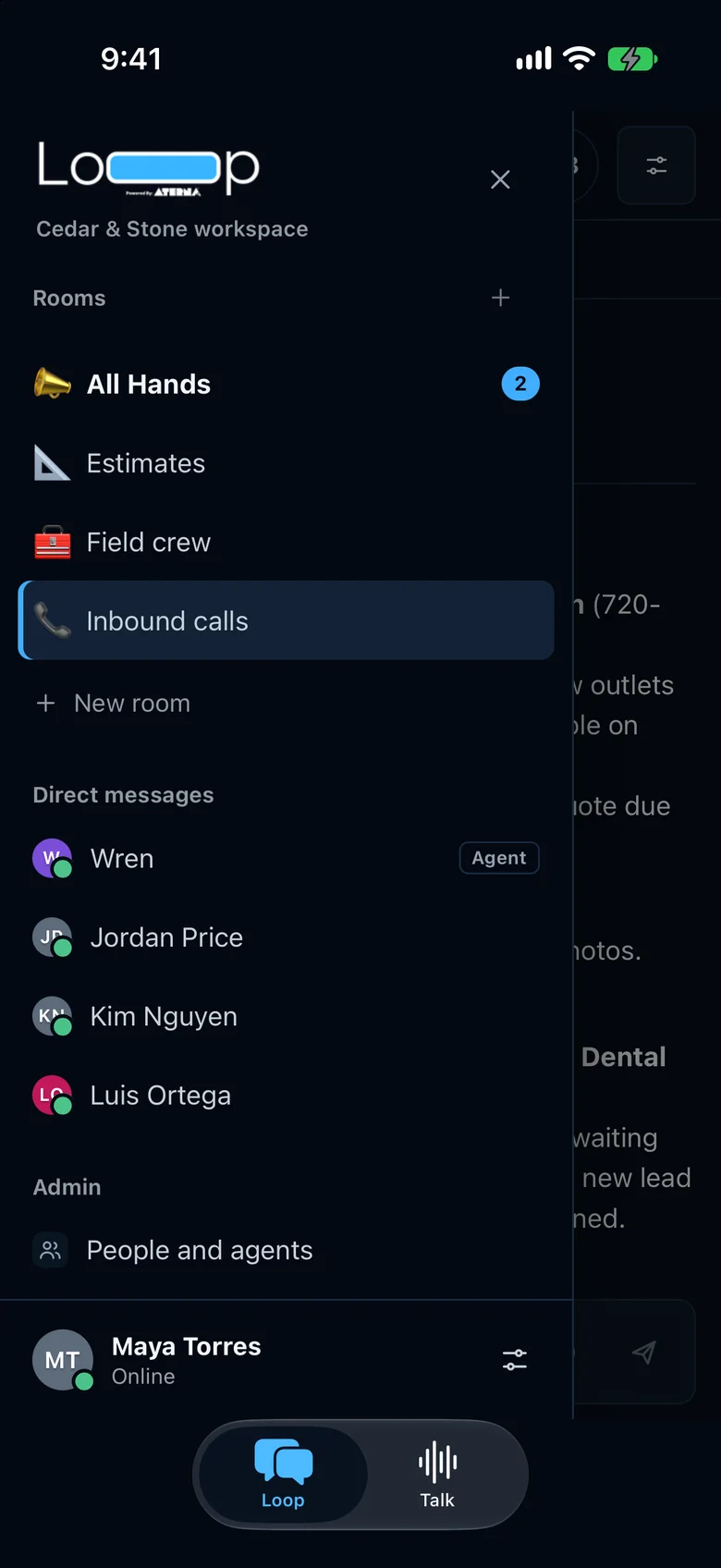
The Loop app opens your workspace with notifications when someone messages you or a lead is assigned to you, and you can hold to talk to your agent. The app is in beta with our first teams.
Private by design.
Your agent and its memory belong to your company alone. So does everything your team puts in Loop.
Its own workspace
Each business gets its own chat server, database and file store at its own web address. Nothing is shared with another company.
Two-step sign-in
A passkey or an authenticator app after the password, with recovery codes. With it on, opening passwords asks again after 15 minutes.
Locked passwords
Vaults are KeePassXC files, unlocked in your browser with the vault’s own password. Loop’s server keeps only the locked file, and agents can’t open vaults.
Every change on record
Leads and jobs keep who changed what, when and why, including each change the agent made.
Want Loop for your team?
We set up the workspace, your agent and your people, then walk your team through it.